Timezone and language mismatches: the cheapest signal platforms can read
Before any fingerprinting, a platform can compare your IP timezone with your browser timezone and language. Here is how to align them.
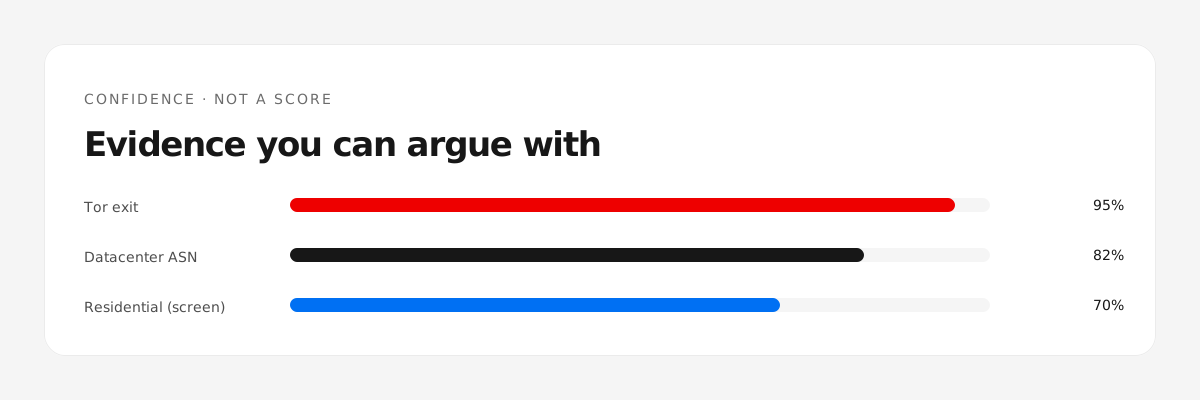
The check is trivial
Your browser tells every site its timezone and language. Your IP resolves to a country and a timezone. If they disagree, that is a one-line comparison — no fingerprinting required.
What mismatch looks like
- IP resolves to Germany, browser timezone is Asia/Shanghai.
- IP country is Japan, browser language is only en-US.
- System clock is hours off from the IP's timezone.
Any one of these is a hint. Several together sketch a remote operator.
What is legitimate
- Travel and expats: IP changes, timezone stays home. That is real, and also exactly what a proxy looks like.
- Multilingual users: a second language is normal, but the primary language usually matches the market.
- Border regions: timezone mismatches are common and benign.
How to align honestly
- Set the browser profile's timezone to the market you operate in — and keep it there.
- Install the market's language as a primary browser language if you actually use it.
- Fix the system clock; a large offset is a separate signal.
- Check the whole set after any network change.
Where to see it
Our fingerprint panel compares timezone, language and IP side by side, and the environment card on the home page scores the five consistency checks automatically.
Check a batch before you buy?
Check a batch →