Choosing the IP for a new Shopee store
Shopee checks local phone, payment country and network together. Here is how to line them up before you register.
What Shopee actually verifies
Shopee is a market-specific platform: each store belongs to one country, and verification is tied to that market. The three checks that matter most:
- Local phone number — the strongest signal. A number from the market is expected.
- Payment method country — a local bank account or wallet reduces review risk.
- Network location — the IP should resolve to the market you registered in.
When the phone is local but the IP is a datacenter in another country, you look like a remote operator. That is the most common reason a new store gets limited.
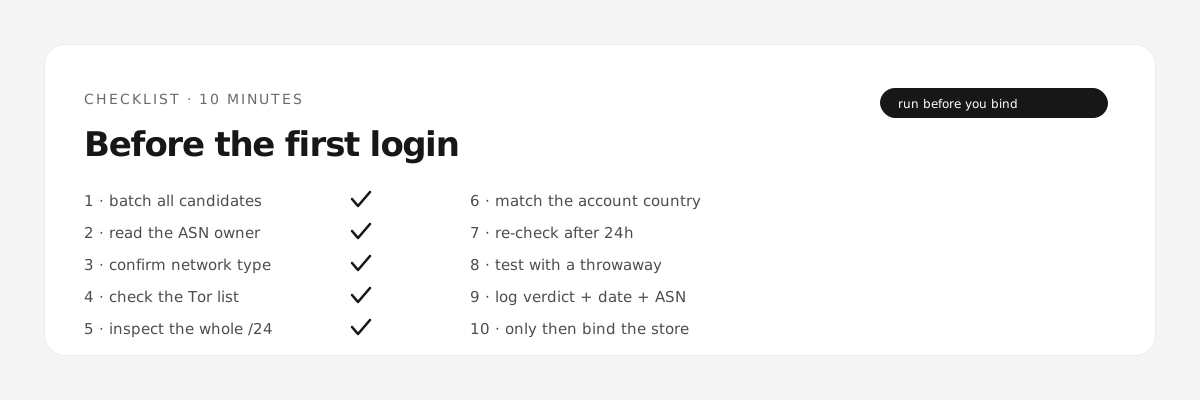
Check the IP before you register
- Run the pool through the checker and keep only addresses whose country matches the market.
- Drop anything labelled hosting or CDN: those are shared infrastructure.
- Prefer an ISP address that stays stable — not a rotating pool.
The first week
Register slowly, then behave like a buyer for a few days: browse, add to cart, place one small order. Sellers who list products on day one stand out. Our warm-up planner generates a day-by-day routine for Shopee.
After registration
Keep the same exit IP and the same device. If the IP changes, the account's history restarts — which is exactly what you do not want during the first month.
What we cannot promise
Shopee does not publish its rules, and it also looks at behaviour and payment history we cannot see. Treat the IP check as removing the cheapest, most obvious mistake — not as a guarantee of approval.