Before you open a new store: a 10-minute IP checklist
A short, repeatable checklist for vetting the IPs you are about to attach to a new store — before the first login, not after the first ban.
Why a checklist
Opening a store is a one-shot move: if the environment is wrong, you find out after the account is flagged, and the learning is expensive. A fixed checklist turns that gamble into a repeatable process.
The ten minutes
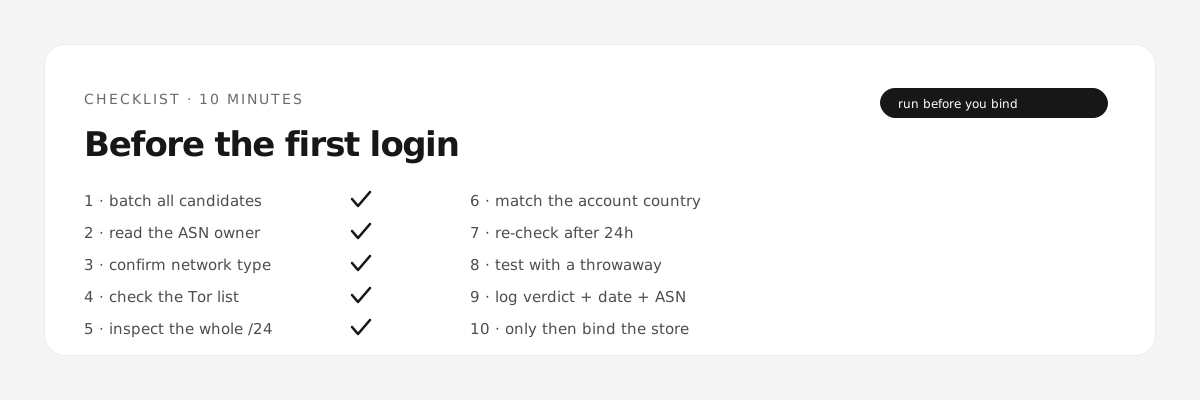
- Batch all candidate IPs. Do not check them one by one — compare them side by side.
- Read the ASN owner first. Any hosting company is out for store use, regardless of the label on the product.
- Confirm the network type. ISP and mobile are plausible; datacenter is not.
- Check the Tor list. A Tor exit is an instant no.
- Look at the block, not just the IP. A single clean IP in a dirty /24 is a warning.
- Compare location with the account's stated country. Mismatch creates its own risk.
- Re-check the same IP after 24 hours. Roaming the range between sessions is a bad sign.
- Test with a throwaway account first. Never the account that holds your revenue.
- Log the result. Store the verdict, the date, and the ASN — you will need it when something changes.
- Only then, bind it to the store. One change at a time, so you know what caused what.
What to do when it fails
Failing is normal and cheap here. Reject the batch, ask the provider for a replacement with the ASN shown, and re-run the same checklist. The point is not to find perfect IPs; it is to stop paying for wrong ones.
Check a batch before you buy?
Check a batch →