Your IP got flagged: what to do (and what not to do) in the first 48 hours
Panic changes make it worse. A short, ordered checklist for handling a flagged IP or an account review.
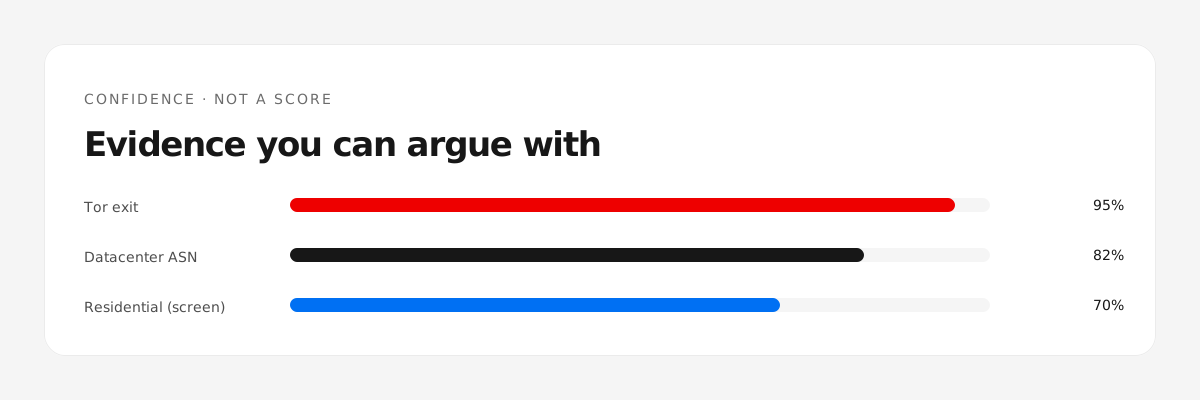
First: do not change everything at once
When an account gets reviewed or an IP gets blocked, the instinct is to switch proxy, device and browser in one hour. That creates a cluster of new signals and looks worse. Change one variable at a time.
The first 48 hours
- Verify the IP. Run it through the checker and check whether it is now hosting, Tor-listed, or DROP-listed. If the network changed under you, that explains the flag.
- Stop registering new accounts from that address or device until you know the cause.
- Keep the current setup if the IP is clean. Movement is itself a signal.
- Collect evidence: date, IP, verdict, ASN. If it is a platform review, you will need a timeline.
- Answer the review once, completely. Partial answers trigger follow-ups.
When switching is correct
- The IP is now hosting or Tor-listed — the address itself is the problem.
- The ASN is DROP-listed.
- The same address is flagged across multiple unrelated platforms — the address is burned.
Then switch to a clean ISP address, and restart warm-up from day one. Do not carry the old browser profile.
When switching is wrong
- The IP is a clean ISP address and only one platform flagged you — the cause is probably behavioural or payment-related. A new IP does not fix that.
- You are mid-review. Moving during review reads as evasion.
Track it
Save the pool in the watchlist: the daily check shows whether the address changed type or entered a blocklist, which is the difference between "my IP is bad" and "something else is wrong".
Check a batch before you buy?
Check a batch →